
Your website is often the first impression visitors have of your business. Even if your content is valuable, outdated design choices can make your site look unprofessional and reduce trust.
The good news? Most websites don’t need a complete redesign. Fixing a few common mistakes can dramatically improve your site’s appearance, user experience, and even SEO.
Let’s look at the five most common mistakes—and how you can fix them.
1. Using the Default WordPress Image Gallery
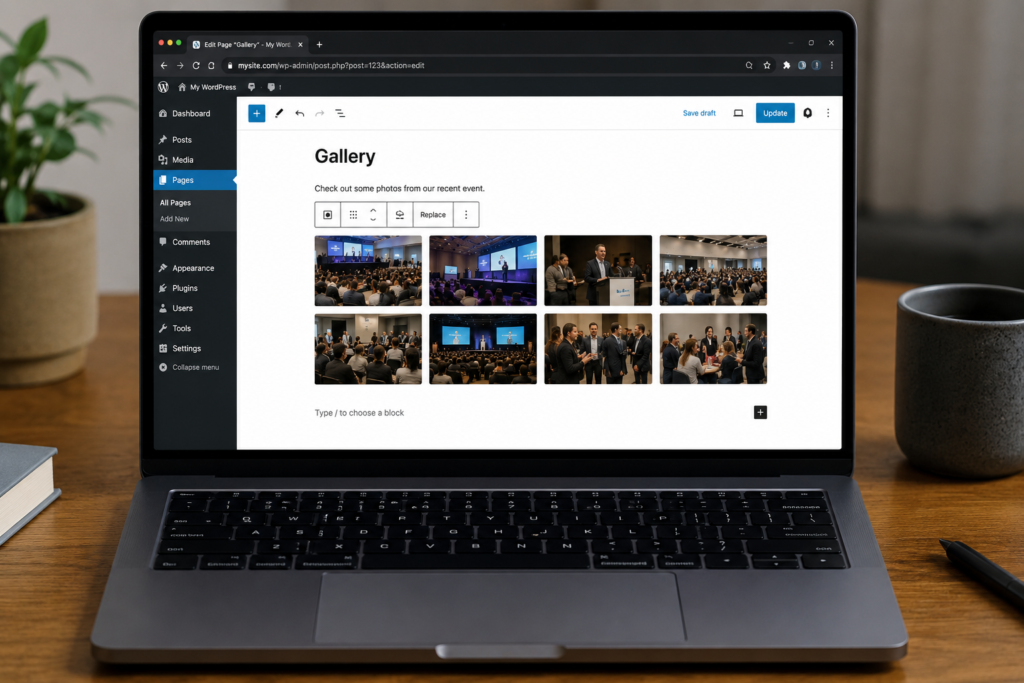
The default WordPress Gallery block works for basic image collections, but it lacks the flexibility and modern design visitors expect today.
You’ll quickly run into limitations such as:
- Very few layout options
- Limited customization
- No advanced lightbox
- No image filtering or search
- Minimal design flexibility
Instead, use a dedicated gallery plugin that offers responsive layouts, modern templates, and better performance.
Recommended plugin
- Re Gallery – Responsive Image & Photo Gallery
- WordPress Plugin: https://wordpress.org/plugins/regallery/
- Official Website: https://regallery.team/
Re Gallery includes modern layouts such as:
- Masonry
- Justified
- Mosaic
- Carousel
- Cards
- Blog
- Slider
- Cube
- Scroller
- Grid
- Coverflow
along with 55+ professionally designed templates, responsive behavior, AI-powered image SEO, advanced lightbox, and compatibility with Gutenberg, Elementor, Divi, Bricks, Beaver Builder, and WPBakery.
A modern gallery instantly makes your website look more polished and professional.
2. Ignoring Image SEO
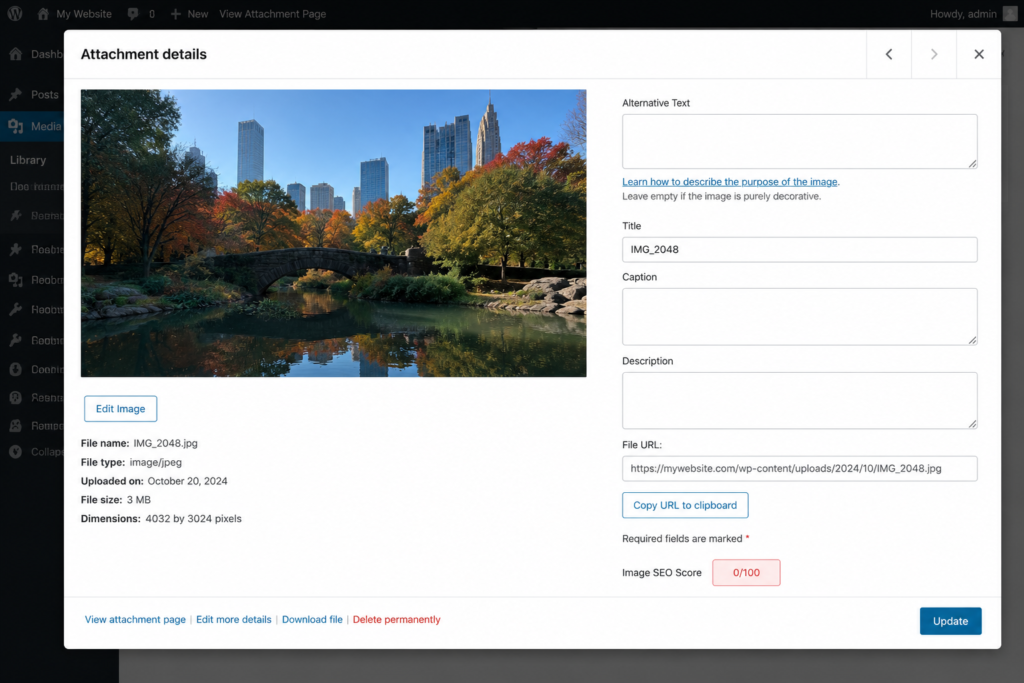
Images aren’t just visual elements—they’re valuable SEO assets.
Many WordPress websites upload images without:
- Alt text
- Titles
- Captions
- Descriptions
That means search engines don’t fully understand your images, and visitors using screen readers have a poorer experience.
You can improve image SEO by using plugins like:
- Yoast SEO — https://wordpress.org/plugins/wordpress-seo/
- Rank Math SEO — https://wordpress.org/plugins/seo-by-rank-math/
For galleries, Re Gallery goes a step further by automatically generating:
- Image titles
- Alt text
- Captions
- Descriptions
using built-in AI tools, saving hours of manual work while improving accessibility and search visibility.
3. Slow-Loading Pages
Visitors expect websites to load in just a few seconds.
Large, unoptimized images are one of the biggest reasons WordPress websites become slow.
Improve performance by:
- Compressing images
- Enabling lazy loading
- Using modern image formats
- Caching pages
- Optimizing your gallery plugin
Helpful plugins include:
- LiteSpeed Cache — https://wordpress.org/plugins/litespeed-cache/
- WP Super Cache — https://wordpress.org/plugins/wp-super-cache/
- Smush — https://wordpress.org/plugins/wp-smushit/
- ShortPixel Image Optimizer — https://wordpress.org/plugins/shortpixel-image-optimiser/
If your website relies heavily on galleries, choose one designed with performance in mind.
Re Gallery includes lazy loading, optimized assets, and responsive image handling to keep galleries fast—even when displaying hundreds of images.
More information:
4. Poor Mobile Experience
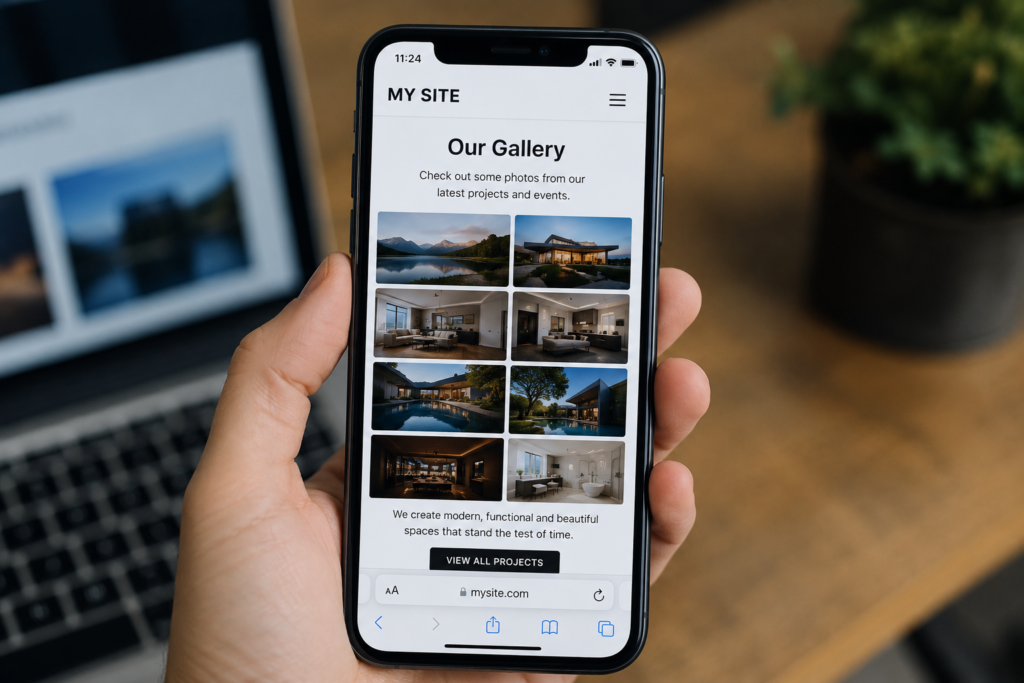
More than half of all website traffic now comes from mobile devices.
If your website looks great on desktop but breaks on phones or tablets, visitors are likely to leave quickly.
Common mobile issues include:
- Images overflowing the screen
- Tiny buttons
- Difficult navigation
- Galleries that don’t resize properly
- Slow touch interactions
Choose themes and plugins that prioritize responsive design.
Recommended resources:
- GeneratePress — https://generatepress.com/
- Kadence Theme — https://www.kadencewp.com/kadence-theme/
- Elementor — https://wordpress.org/plugins/elementor/
When displaying images, use a responsive gallery solution.
Re Gallery automatically adapts every gallery layout to desktop, tablet, and mobile devices without additional configuration, ensuring visitors enjoy a consistent browsing experience on every screen.
Learn more:
5. Outdated Design Elements
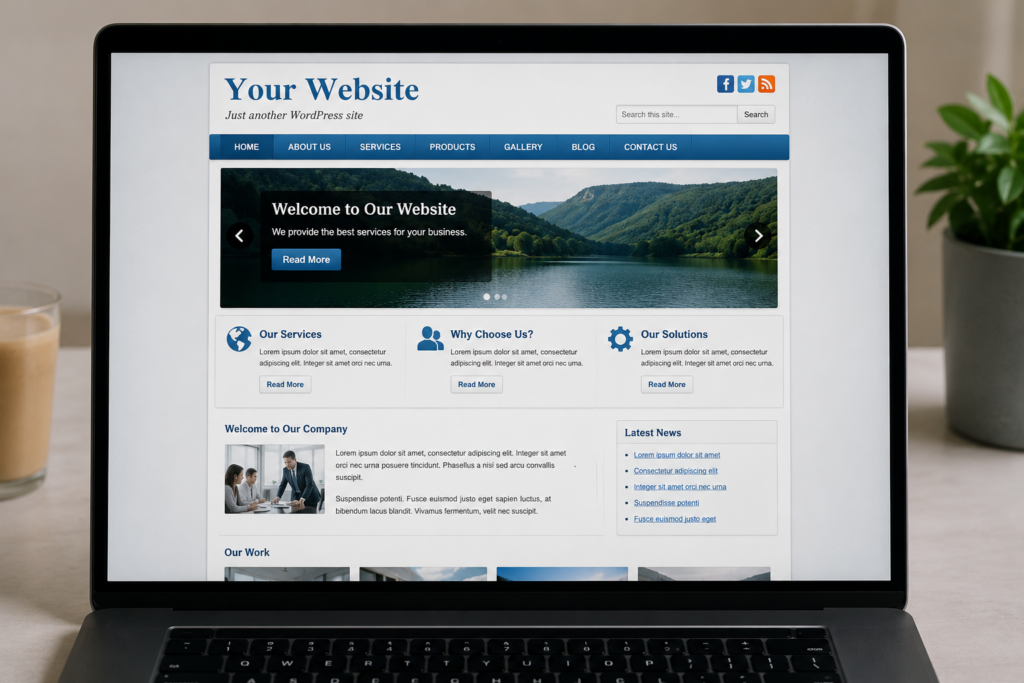
Even if your website functions well, outdated visual elements can make it feel neglected.
Common signs include:
- Old typography
- Excessive borders
- Small images
- Inconsistent spacing
- Dated color schemes
- Basic thumbnail grids
Modern websites focus on:
- Clean whitespace
- Larger visuals
- Elegant typography
- Minimal interfaces
- High-quality photography
- Dynamic gallery layouts
One of the fastest ways to modernize your site is by replacing plain image grids with professionally designed galleries.
Re Gallery includes more than 55+ modern templates and multiple responsive layouts, making it easy to refresh your site’s appearance without changing your theme.
Explore the available layouts and templates:
Bonus Tips
To keep your WordPress website looking modern:
- Keep WordPress updated
- Use a lightweight theme
- Remove unused plugins
- Compress images before uploading
- Test your website on desktop, tablet, and mobile
- Improve accessibility
- Optimize for Core Web Vitals
- Regularly refresh your gallery layouts
Final Thoughts
A modern WordPress website isn’t just about choosing a beautiful theme—it’s about creating an excellent experience for your visitors.
Updating your image galleries, improving image SEO, optimizing performance, ensuring mobile responsiveness, and refreshing outdated design elements can dramatically improve both your site’s appearance and user engagement.
If you’re looking for a gallery plugin that combines modern layouts, AI-powered image SEO, responsive design, and excellent performance, Re Gallery – Responsive Image & Photo Gallery is a great place to start.
Download Re Gallery
- WordPress Plugin: https://wordpress.org/plugins/regallery/
- Official Website: https://regallery.team/
Small improvements today can make your website look years newer—and leave a lasting impression on every visitor.