
When you build a single website, a flashy gallery plugin with 40 experimental hover animations feels fun. When you manage 15, 30, or 100+ client sites, that same plugin becomes a maintenance liability.
In an agency environment, profit margins live and die by repeatability and speed of execution. Every hour spent wrestling with broken CSS grids on mobile, debugging JavaScript conflicts after a WordPress core update, or manually writing alt tags for 200 client photos is an hour you cannot bill elsewhere.

To scale client delivery without scaling headaches, your agency’s visual toolkit needs to prioritize predictability over novelty.
The 4 Non-Negotiables for Agency WordPress Galleries
Before standardizing a gallery plugin across your agency’s starter blueprint, verify that it passes four operational tests.
1. Easy to Adapt Across Builders and Brands
Agencies rarely work inside a single vacuum. One client site runs on Elementor, another uses Bricks or Divi, and your newer builds rely on the native WordPress Block Editor (Gutenberg). A reliable gallery tool must integrate natively with your existing page builders and inherit brand typography and spacing cleanly—without forcing developers to write custom CSS overrides on every project.
2. Consistent Across Projects
Rebuilding gallery layouts from scratch for every client portfolio, real estate listing, or WooCommerce catalog destroys your delivery timeline. Your team needs reusable templates and a predictable settings interface. When a junior developer or content editor opens the dashboard on Site A or Site B, the workflow should look and behave identically.
3. Fast on Mobile (Protecting Core Web Vitals)
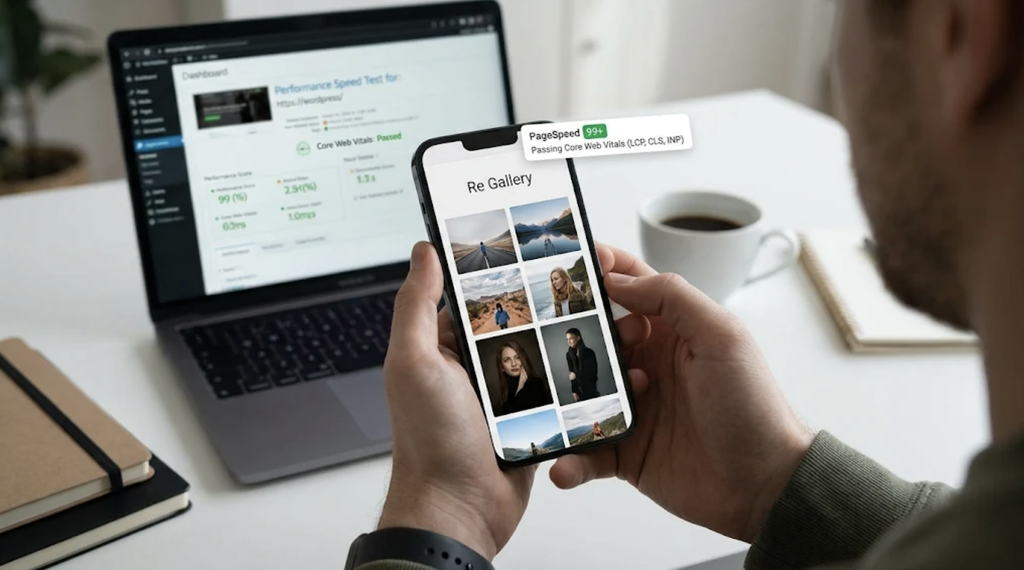
Heavy gallery scripts are one of the fastest ways to tank a client’s Google Core Web Vitals, particularly Largest Contentful Paint (LCP) and Cumulative Layout Shift (CLS). Since the majority of client traffic arrives on mobile devices, your gallery plugin must feature built-in lazy loading, responsive breakpoints, and a lightweight asset footprint out of the box.
4. Simple to Maintain Post-Handoff
The true test of a plugin happens three months after launch—when the client logs in to upload new project photos themselves. If the interface is cluttered or requires third-party API keys just to optimize images, your support inbox fills up with “how do I add photos?” tickets.
How Re Gallery Streamlines Agency Delivery
Re Gallery is built specifically to eliminate the friction agencies face when deploying visual content at scale. Instead of forcing you to stitch together a heavy layout plugin, a separate lazy-loader, and an external SEO tool, it consolidates the entire workflow into one lightweight WordPress plugin:
- 70+ Pre-Designed Templates & 11 Layouts: Launch responsive Masonry, Mosaic, Justified, Grid, or Carousel views in minutes using live preview—no rebuilding from scratch.
- Universal Builder Compatibility: Works seamlessly with Gutenberg, Elementor, Divi, Bricks, Beaver Builder, WPBakery, and WooCommerce.
- Built-In AI Image SEO: Automatically generates SEO-ready alt text, titles, captions, and descriptions directly inside WordPress (with multilingual support and no external API accounts required), turning hours of post-launch metadata entry into a one-click step.
- Zero-Bloat Performance: Engineered with minimal dependencies and native lazy loading so large photo libraries stay fast on mobile connections.
You can also install the free core plugin directly from the WordPress.org Plugin Directory to test it inside your agency’s staging blueprint.
Agency Plugin Audit: Bloated vs. Standardized Workflow
| Workflow Factor | Typical “Flashy” Gallery Plugin | Agency-Ready Setup (Re Gallery) |
| Layout Setup | Rebuilt manually per client site | 70+ reusable templates with live preview |
| Image SEO & Alt Text | Manual entry or separate paid plugin | Native AI generation inside WordPress |
| Mobile Speed | Heavy JS bundles hurt Core Web Vitals | Lightweight code + lazy loading |
| Client Handoff | Steep learning curve, frequent support tickets | Native WordPress UI clients grasp immediately |
Fewer Revisions, Confident Handoffs
When your gallery stack is standardized, client revisions drop. Layouts look sharp across desktop and mobile on the first review, image accessibility and SEO are handled before launch, and your team spends less time troubleshooting plugins and more time shipping profitable sites.