
The right gallery template depends less on your photos and more on what your website needs visitors to do. A photographer wants people to linger on the work. A shop wants them to click “Add to cart.” A restaurant wants them hungry, and a real estate agent wants them to book a viewing.
That is why the Re Gallery demo page now holds more than 50 ready-made templates, from classic mosaics and sliders to purpose-built layouts for menus, property listings and WooCommerce products. Every one is a live demo you can click through before you build anything.
We won’t walk through every template here. Instead, this guide is organized by website type: find the kind of site you run, see which templates were designed for it, and learn where on the site each one does its best work.
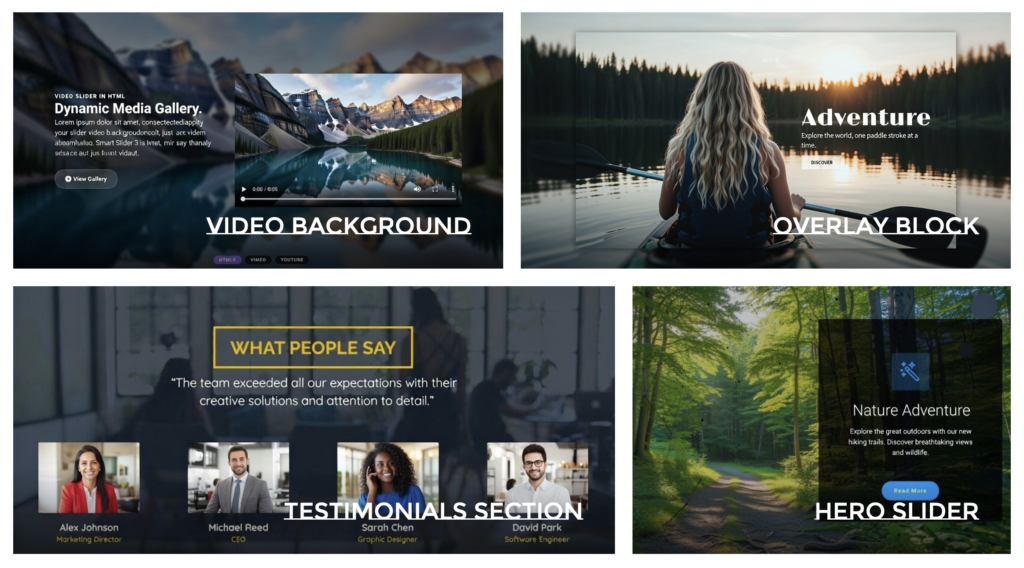
Photographers, artists and creative portfolios
For a portfolio, the gallery is the website. Your layout should get out of the way and let the images carry the page, while still feeling like it was chosen on purpose.
Portfolio is the safe, professional default. It gives photography, illustration or design work a clean, orderly layout, so a client can scan your range in seconds. Use it on your homepage or a main “Work” page.
Studio goes further toward minimalism. Generous whitespace and light framing make each image feel like it is hanging in a gallery. It suits fine-art photographers, architects and anyone whose work benefits from breathing room, especially on individual project pages.
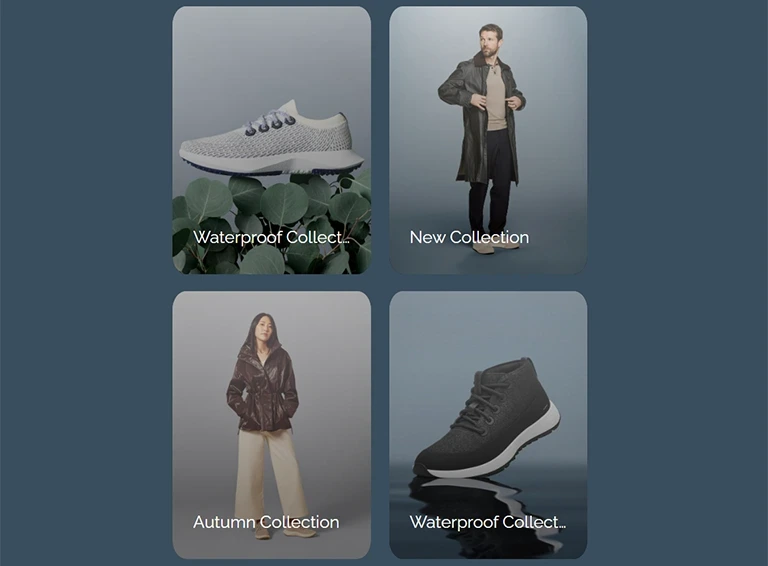
Polaroid Gallery takes the opposite route: a warm, vintage, hand-arranged look. It is perfect for wedding and family photographers, event recaps, or a personal “behind the scenes” page where you want personality more than polish. It works with Gutenberg, Elementor and Divi.
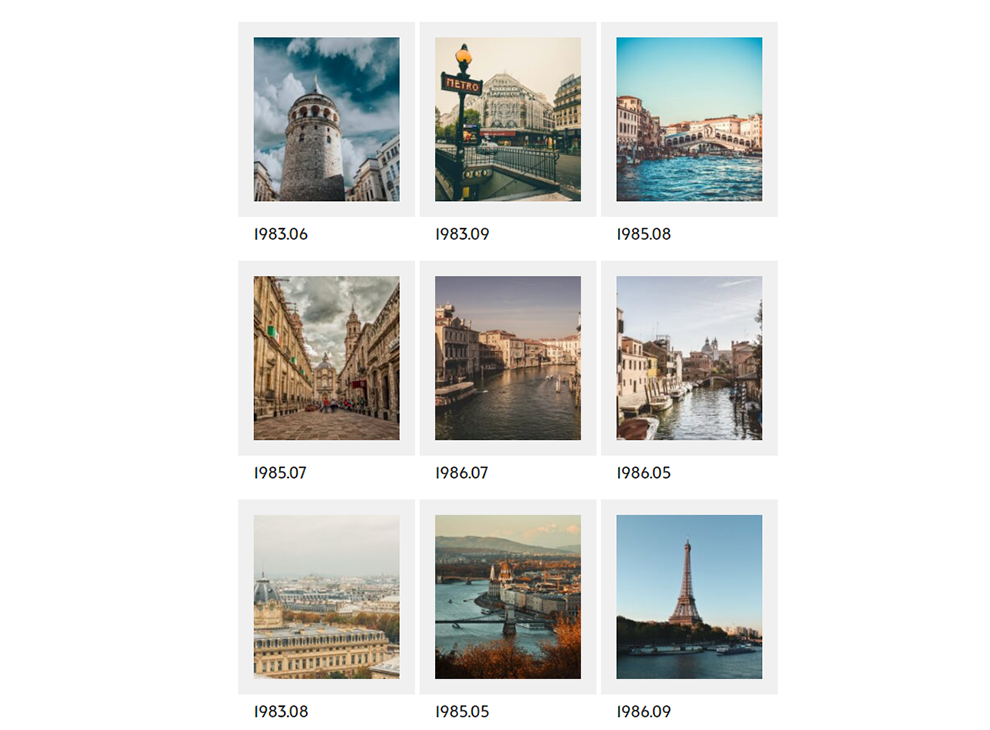
Also worth a look: Latte Mosaic and Smart Rows for mixed portrait and landscape shots, and Slideshow for a full-width hero at the top of your homepage.
Online stores and WooCommerce shops
In a store, a gallery has one job: move people from looking to buying. The shop templates put price and a buy action right next to every product image, so nobody has to hunt for the next step.
Shop Cards turns WooCommerce products into tidy cards with an image, price and buy button. It is the everyday workhorse for a shop page, a category landing page or a “Bestsellers” block on the homepage.
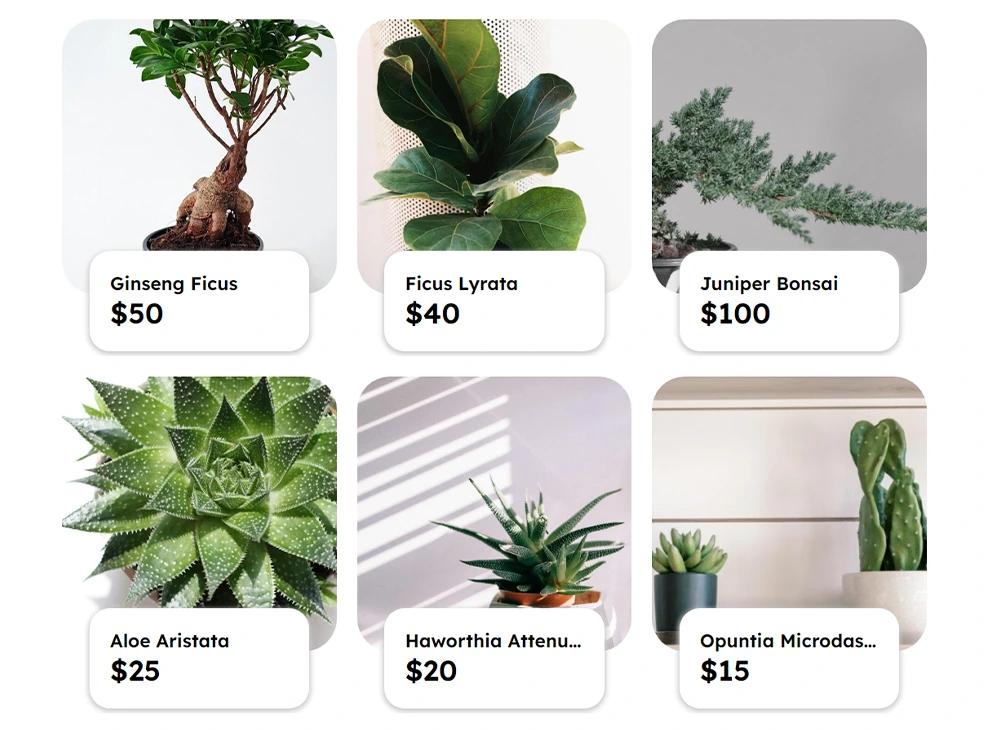
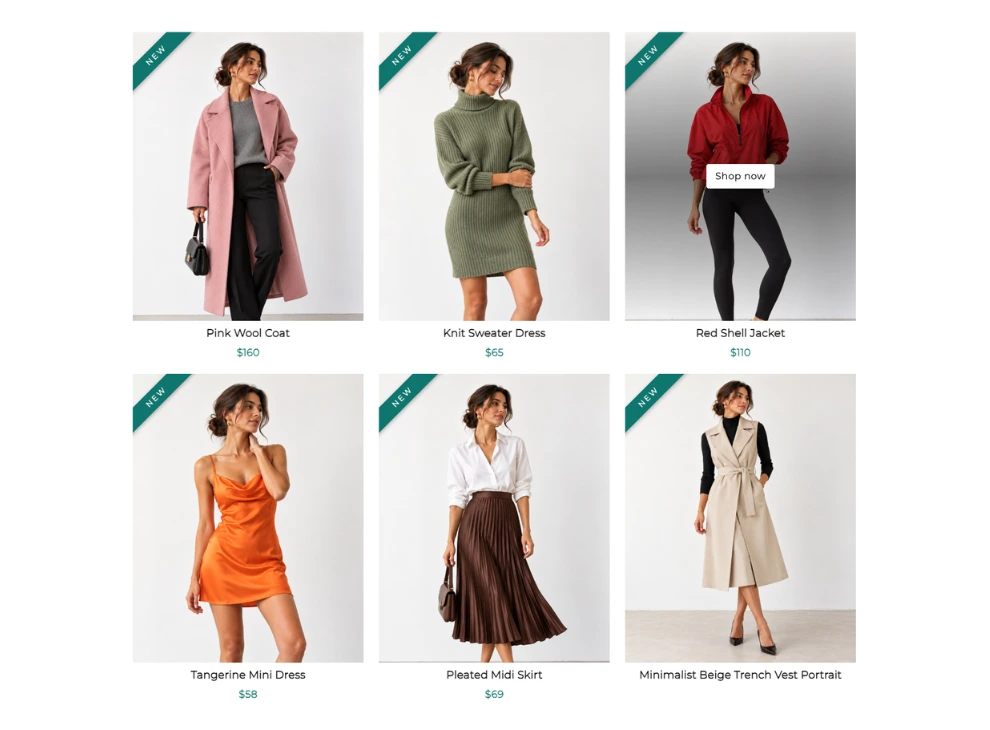
New Arrivals is built for freshness. Portrait product shots carry a “NEW” corner ribbon, the price sits under each item, and a “Shop now” button appears on hover. Place it near the top of your homepage, or send email and social traffic straight to it when a new collection drops.
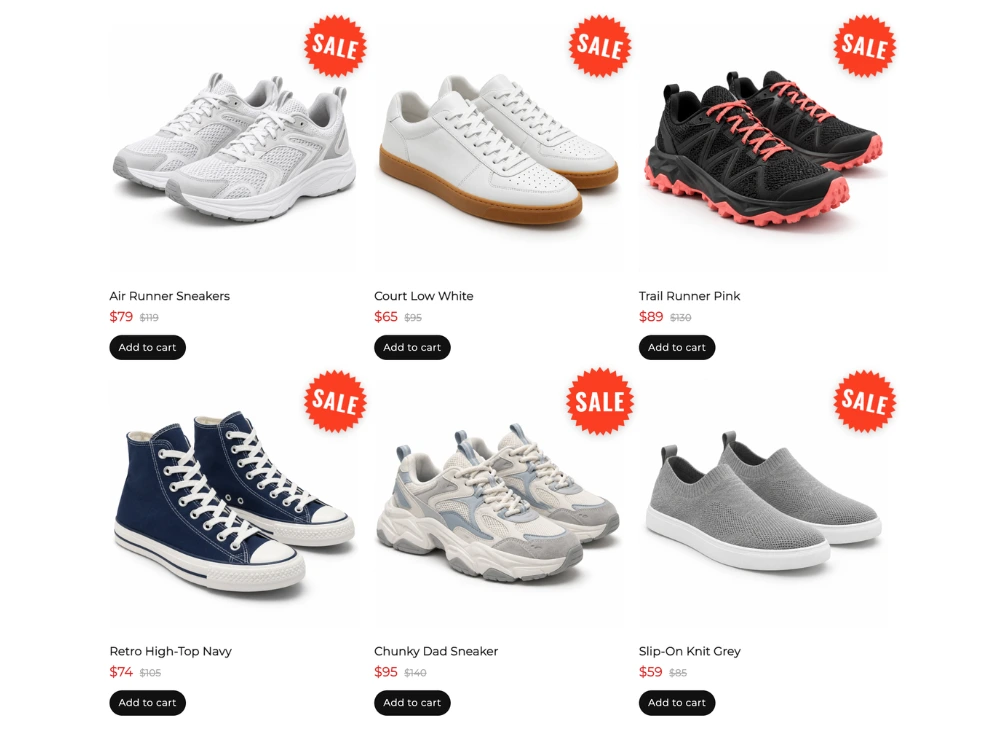
Sale Badges is your promotions layout. A “SALE” sticker, the old price struck through and an “Add to cart” button make the discount obvious at a glance. Use it on Black Friday pages, seasonal clearances or a permanent “Outlet” section.
Also worth a look: Products and Digital Shop for downloads and digital goods, and Spotlight Ad or Advertisement when you want one offer to dominate the page.
Restaurants, cafés and bakeries
Most restaurant websites still bury the menu in a PDF that is painful to read on a phone. A gallery-based menu fixes that: it loads fast, looks good on mobile and shows people the food, not just its name.
Menu Board was designed exactly for this. Each dish gets a round photo, its name, a short list of ingredients and a price joined by classic dotted leaders, just like a printed bistro menu. Use it as your main “Menu” page, or split it into several galleries for breakfast, lunch, drinks and desserts.
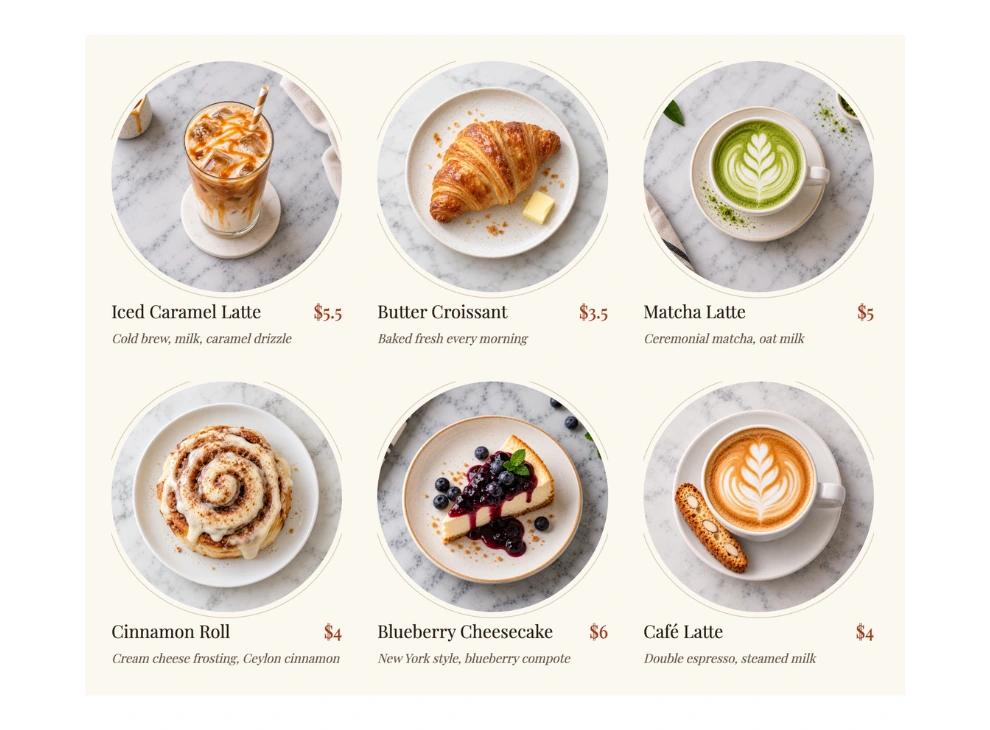
Because the menu is now regular images and text instead of a PDF, search engines can read your dish names and descriptions too. That helps when someone searches for “best cheesecake near me.”
Also worth a look: Collage or Latte Mosaic for interior and atmosphere shots, and Testimonial Cards for guest reviews.
Real estate agents and property websites
Buyers browse property the way shoppers browse products: photo first, then the key numbers, then a decision about whether to get in touch. The layout should answer “how much, where and how big” before anyone clicks.
Listings does that in a single card. Each property shows its photo, a price tag, the address, the number of beds and baths, and a “Schedule a tour” button. Use it on a “Current listings” page, an agent profile, or a neighborhood landing page that shows only the homes in that area.
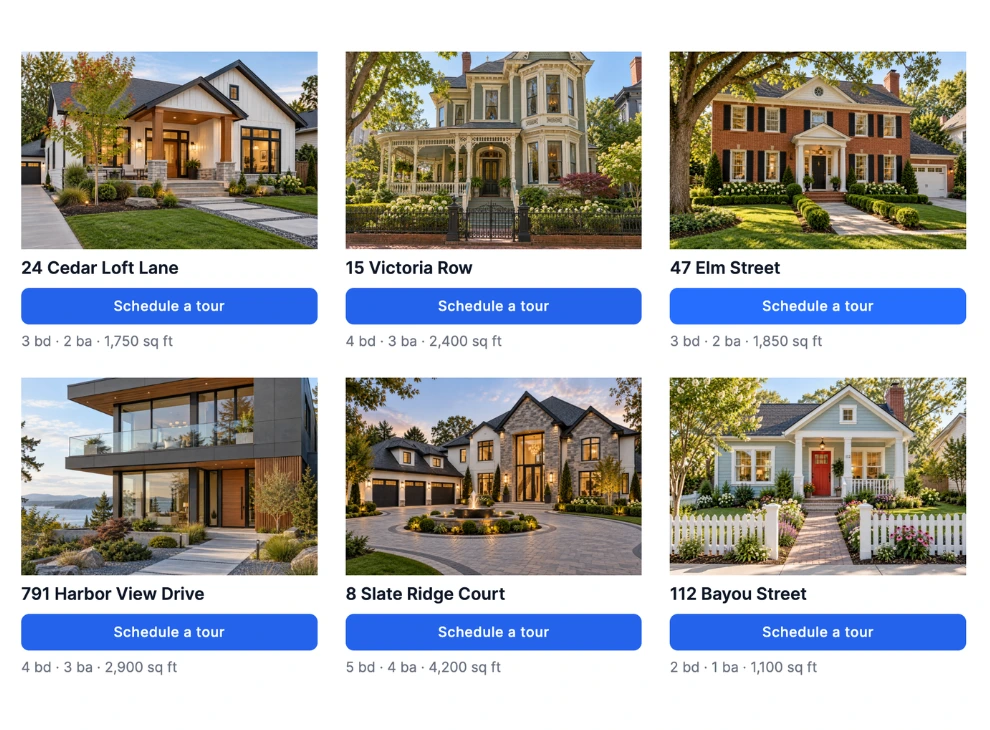
The same layout works well beyond houses: holiday rentals, office spaces, coworking desks or even used cars all follow the same “photo, price, key facts, call to action” pattern.
Also worth a look: Slideshow or Carousel Showcase for the photo tour inside a single property page.
Travel agencies and travel blogs
Travel is sold on images. Whether you are selling a package or telling the story of a trip, the gallery is where readers decide they want to go.
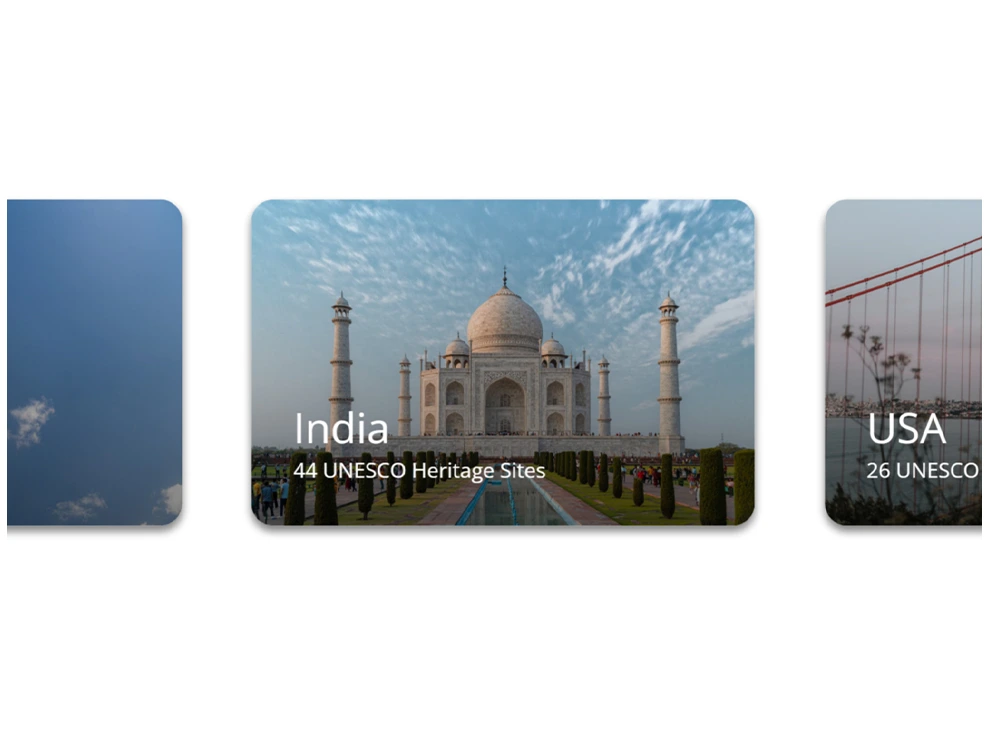
Travel Agency showcases destinations and packages in a visual layout designed to turn browsers into bookers. Put it on your homepage as a “Top destinations” block, or on a seasonal offers page such as “Summer in the Mediterranean.”
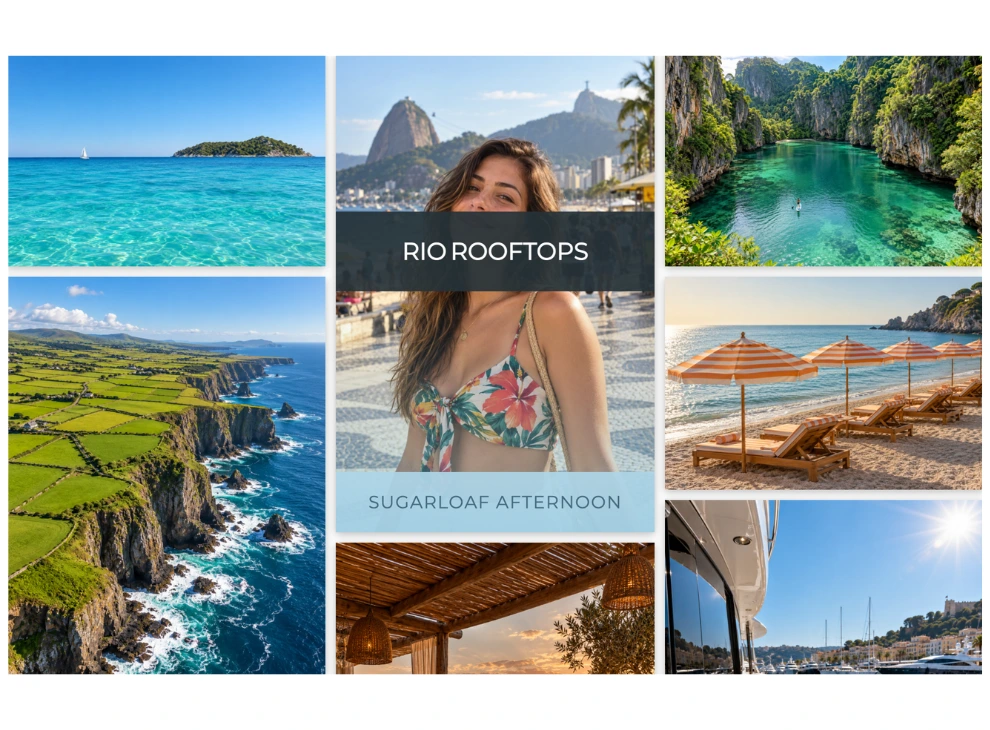
Vacation Reveal is made for storytelling. It is a masonry photo gallery where hovering over an image reveals a title band and caption over a soft blue tint. It fits naturally inside a travel blog post, a trip diary, or a “Where we’ve been” page on a tour operator’s site.
Also worth a look: Travel Blog for article-style destination roundups, and Horizontal Scroll for a swipeable day-by-day itinerary.
Agencies, studios and business websites
A business site has to answer three questions quickly: what you do, who you are, and why people should trust you. Re Gallery has a template for each of them, so a whole site can share one consistent visual style.
What you do: Services
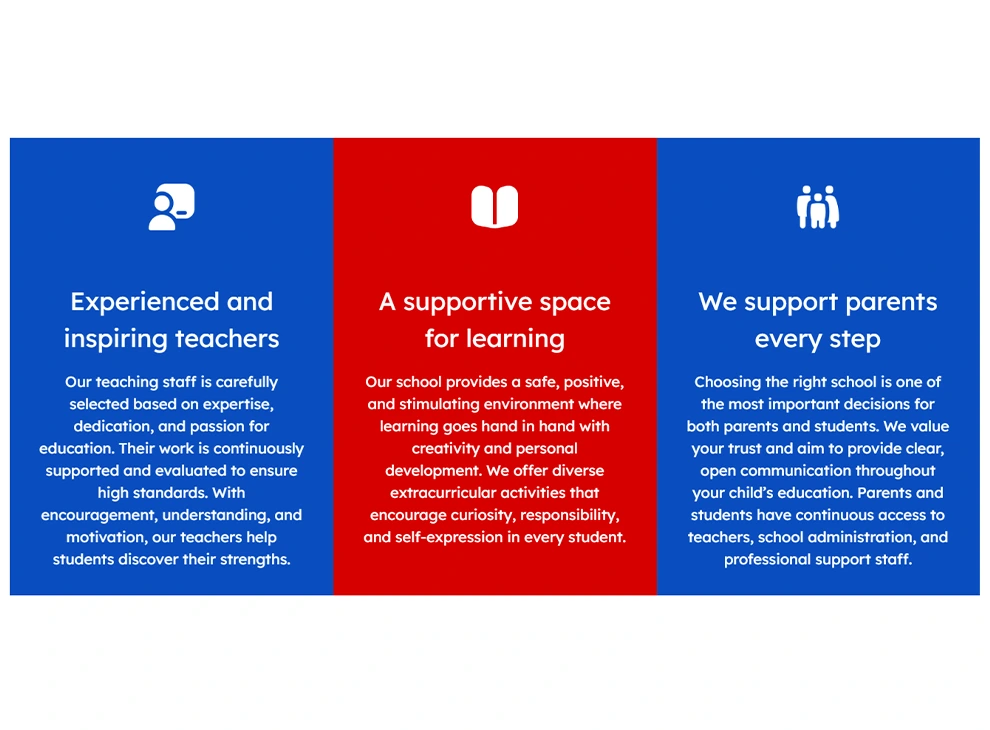
Services combines an image and a description in visual blocks, one per service. It works for agencies, studios, consultants, clinics or salons, on the homepage or a dedicated “Services” page.
Who you are: Team and Timeline
Team is a professional photo grid for staff. People buy from people, so it belongs on the About page of any company or agency.

Timeline tells your company story as a vertical timeline, with a photo, a year, milestone text and a “Read more” button for each step. It is ideal for an About page, an anniversary campaign, or a history page for a family business.

Why trust you: Testimonial Cards and Logo Marquee
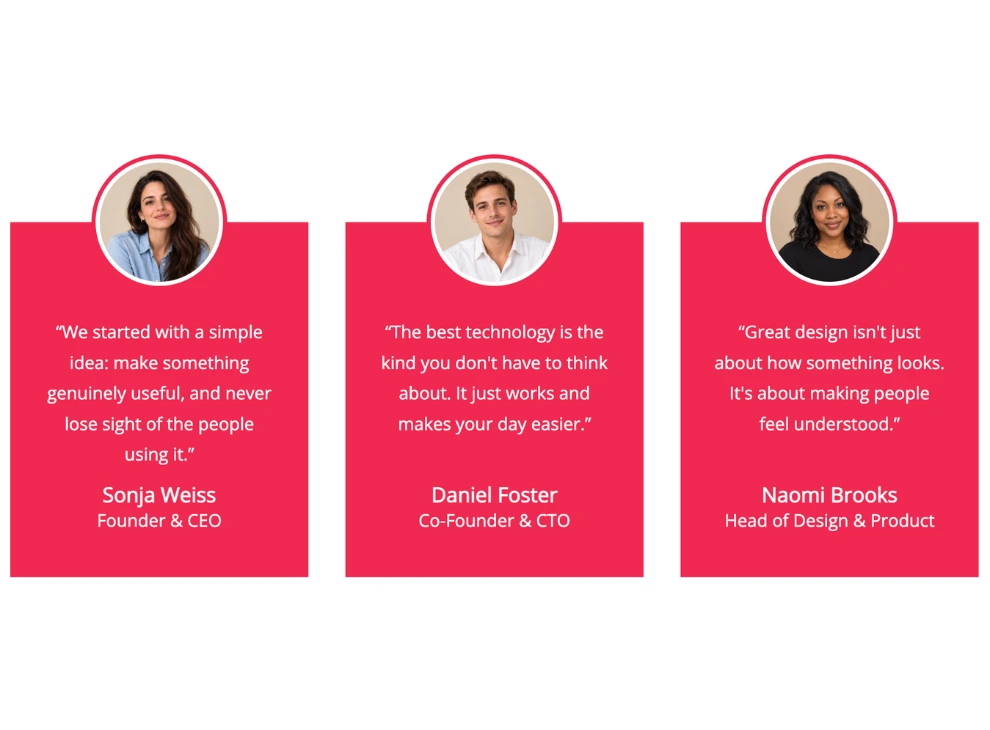
Testimonial Cards shows customer reviews as colored cards with a round avatar overlapping the top, the quote, and the reviewer’s name and role. The cards stay equal height and adapt to mobile. Place them on landing pages right before your main call to action.
Logo Marquee is an endless scrolling strip of client and partner logos. Logos stay greyscale until hovered, the edges fade out, and each logo can link to the partner’s site. A single row of recognizable names under your homepage hero builds credibility in seconds.
Also worth a look: About Us, Feature Cards and CTA Cards for landing pages that need to guide visitors to a next step.
Quick reference: which template goes where
| Website type | Start with | Best place on the site |
|---|---|---|
| Photography / creative portfolio | Portfolio, Studio, Polaroid Gallery | Homepage, Work page, project pages |
| Online store (WooCommerce) | Shop Cards, New Arrivals, Sale Badges | Shop and category pages, homepage, promo pages |
| Restaurant / café | Menu Board | Menu page |
| Real estate / rentals | Listings | Listings page, agent profile, area pages |
| Travel agency / travel blog | Travel Agency, Vacation Reveal | Homepage, offer pages, blog posts |
| Agency / business | Services, Team, Timeline | Services and About pages |
| Any site that needs trust | Testimonial Cards, Logo Marquee | Homepage, landing pages |
How to choose in three questions
- What should the visitor do next? Buy, book, call or just admire? Pick a template whose button or layout points to that action.
- Where will the gallery sit? A homepage block needs to be compact and scannable; a dedicated page can be richer and more immersive.
- How many images do you have? A few strong shots suit Studio or Slideshow; dozens of mixed photos suit Smart Rows, Latte Mosaic or Infinite Scroll.
Whichever you pick, a template is a starting point, not a cage. You can adjust colors, spacing, captions and hover effects to match your brand, and you can mix several templates on one site, for example Logo Marquee on the homepage, Team on the About page and Shop Cards in the store.
Try them before you build
Every template mentioned here, and dozens more, is live on the Re Gallery demo page. Open a few, picture your own photos in them, and choose the one that fits what your website needs to do. Then install Re Gallery on your WordPress site and build your first gallery in minutes.