
Managing image metadata has always been one of the most time-consuming parts of running a WordPress website. Whether you’re building a photography portfolio, travel blog, WooCommerce store, or business website, every image benefits from having a proper title, caption, alt text, and description.
The problem? Creating all that content manually for dozens—or even hundreds—of images takes hours.
That’s why we’re excited to introduce AI-powered Image Content Generation in Re Gallery.
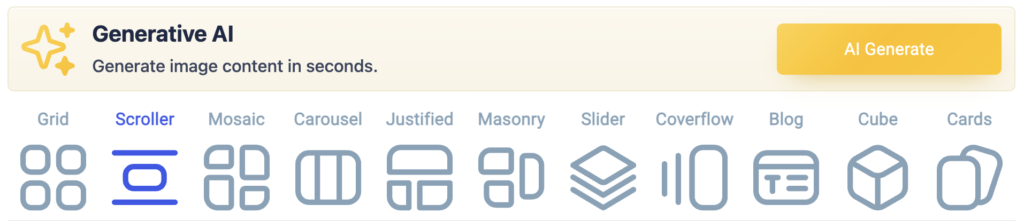
With just a few clicks, Re Gallery can now analyze your images and automatically generate meaningful metadata for your entire gallery in seconds.
Why Image Metadata Matters
Image metadata serves several important purposes:
- Improves accessibility through descriptive alt text
- Helps search engines understand your images
- Provides context to visitors
- Makes media libraries easier to manage
- Enhances gallery presentation and organization
Unfortunately, many WordPress websites either leave these fields empty or use generic content that provides little value.
Re Gallery’s new AI tools solve this problem automatically.
Generate Titles, Captions, Alt Text, and Descriptions
The new Generative AI feature can create:
Image Titles
Short, clean titles that describe the main subject of the image.
Example:
Before
- IMG_2451.jpg
After
- Mountain Lake Sunrise
Captions
Friendly captions that provide additional context and improve gallery presentation.
Example:
- Crystal-clear mountain reflections captured during an early morning hike.
Alt Text
Accessibility-focused descriptions that help screen readers understand image content.
Example:
- Snow-covered mountains reflected in a calm alpine lake
Descriptions
Short image descriptions suitable for blogs, portfolios, and media libraries.
Example:
- A peaceful alpine lake surrounded by rugged mountain peaks under a clear blue sky.
Bulk Generate Content for Entire Galleries
The biggest advantage of the new feature is speed.
Instead of editing images one by one, Re Gallery can process an entire gallery at once.
Simply:
- Open your gallery
- Click AI Generate
- Choose which fields to generate
- Start generation
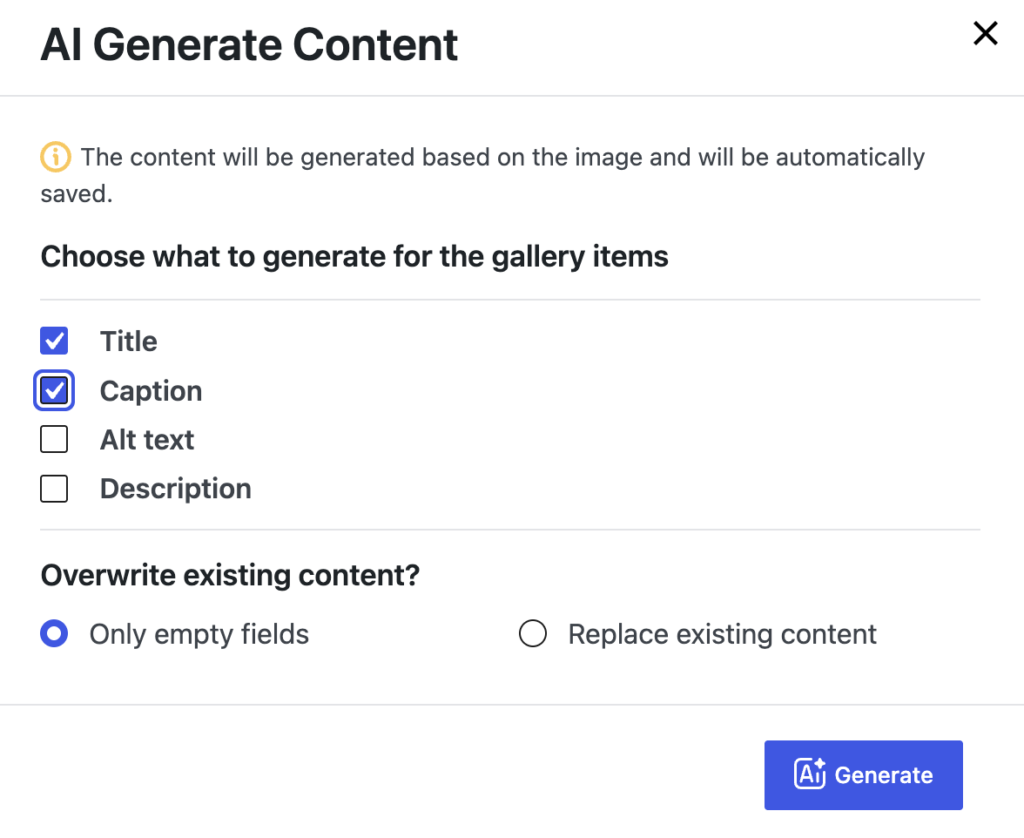
Within seconds, Re Gallery analyzes every image and fills the selected fields automatically.
Whether your gallery contains 10 images or 500 images, the workflow remains simple.
Generate Only Missing Content
Already have some metadata?
No problem.
You can choose how AI handles existing content:
Only Empty Fields
Generate content only for fields that are currently empty.
This option is perfect when you already have titles but need alt text and descriptions.
Overwrite Existing Content
Replace existing metadata with newly generated AI content.
Useful when older metadata is inaccurate, outdated, or inconsistent.
Image-Based AI Analysis
Unlike many tools that rely heavily on filenames or existing text, Re Gallery analyzes the actual image.
This means generated content is based primarily on what’s visible in the photo.
The result is:
- More accurate metadata
- Better accessibility descriptions
- Cleaner captions
- Improved consistency across galleries
New Dedicated Image Editing Experience
This release also introduces a completely improved image editing workflow.
Instead of jumping between different WordPress screens, you can now edit image metadata directly within a dedicated image editor.
The new interface makes it easy to:
- Update titles
- Edit captions
- Improve alt text
- Manage descriptions
- Regenerate content with AI
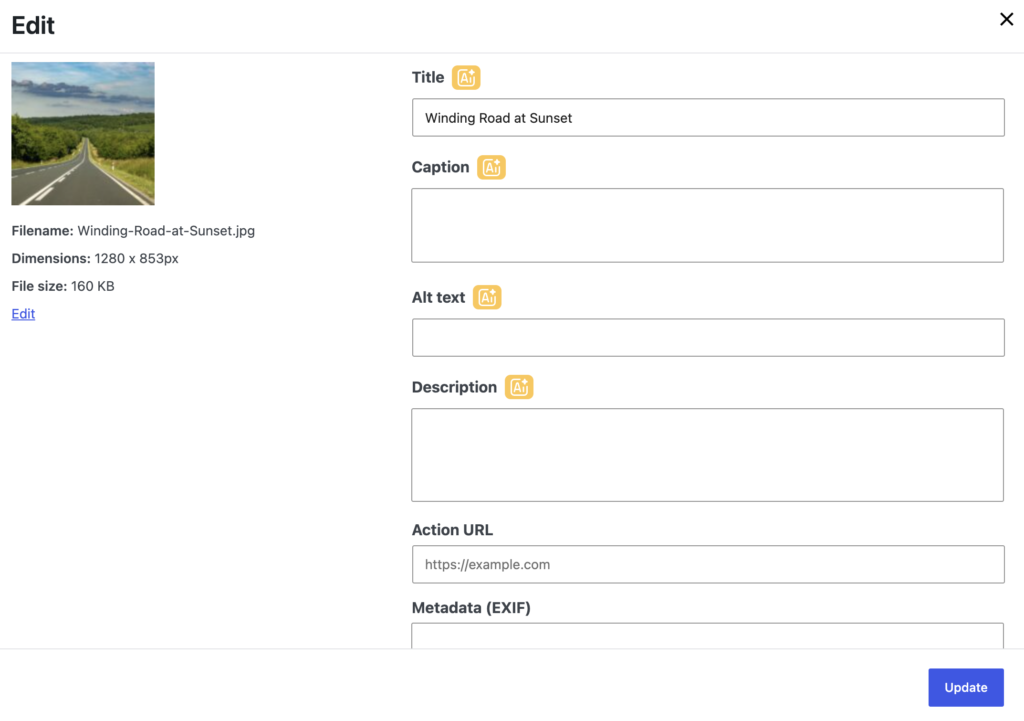
All from a single, streamlined workspace.
For gallery owners managing large collections of images, this significantly speeds up content management.
Built for Modern WordPress Workflows
The new AI tools were designed with real WordPress users in mind:
Photographers
Generate metadata for hundreds of portfolio images in minutes.
Bloggers
Improve image SEO without manually writing descriptions.
Agencies
Save time when delivering client websites.
Ecommerce Stores
Enhance product galleries with better image content.
Content Creators
Spend less time on repetitive tasks and more time creating.
Smart Usage Controls
To give users flexibility and control, Re Gallery allows you to:
- Select specific fields to generate
- Process galleries in bulk
- Generate only missing content
- Regenerate content when needed
- Review results before publishing
This ensures AI works as an assistant—not a replacement for your workflow.
Available Now
AI Image Content Generation and the new image editing experience are available in the latest version of Re Gallery.
If you’ve ever spent hours writing titles, captions, alt text, or descriptions for your galleries, this update will dramatically simplify your workflow. See how you can use it in your travel blogs.
Install the latest version of Re Gallery today and start generating image content in seconds.